📕 Setup - Resource Categories
Last updated: September 23, 2026
Overview
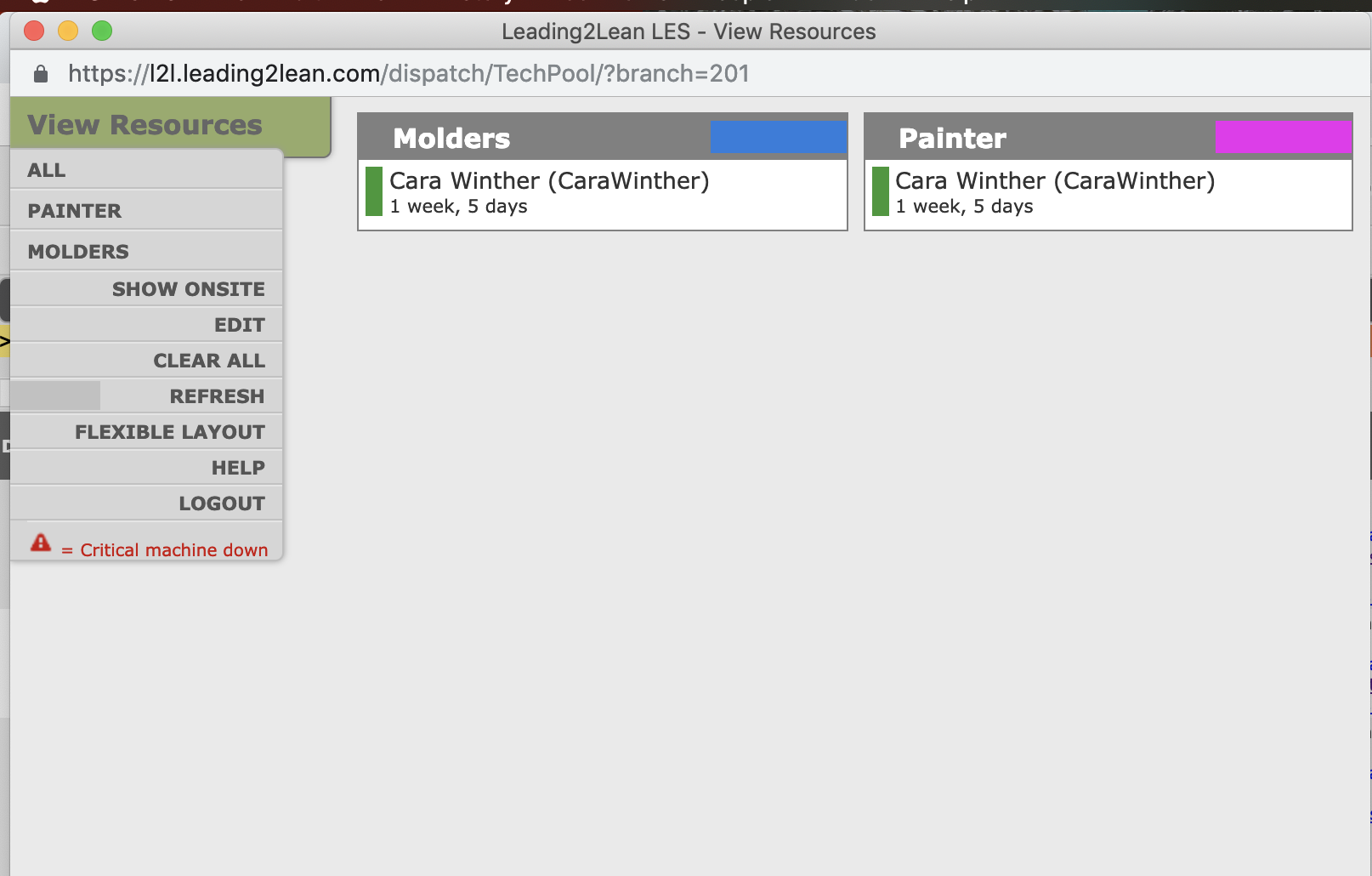
Resource Categories associate resources to technologies, areas, or skills according to the way you want them viewed in the resource pool.

Prerequisites & Preparation
Required Permissions: Resource Manager or Administrator
Step-by-Step Configuration
Navigate to the Menu: Go to Setup > Resource Categories.
Initiate Creation: Click Add New in the upper right corner of the Resource Categories bar.
Enter Details:
Category Code: Enter a code.
Description: Enter a description.
Define Attributes:
Color: Select a color to associate with the category in the resource pool.
Status: Check the Active box.
Save & Finalize: Click Save.
Setting up your Resource Categories allows you to view all resources from the Classic Dispatch Screen.

Here, you can see who is on-site and set resources to available or unavailable.