📕Setup - Line Categories
Last updated: September 23, 2026
Overview
For organizations with multiple Lines in L2L that would like to categorize these lines into subcategories, Line Categories can be used for grouping. Line Categories is an open/custom field and is not part of the overall hierarchy.
Prerequisites & Preparation
Required Permissions: System Manager or Administrator
Step-by-Step Configuration
Navigate to the Menu: Go to Setup > Line Categories.
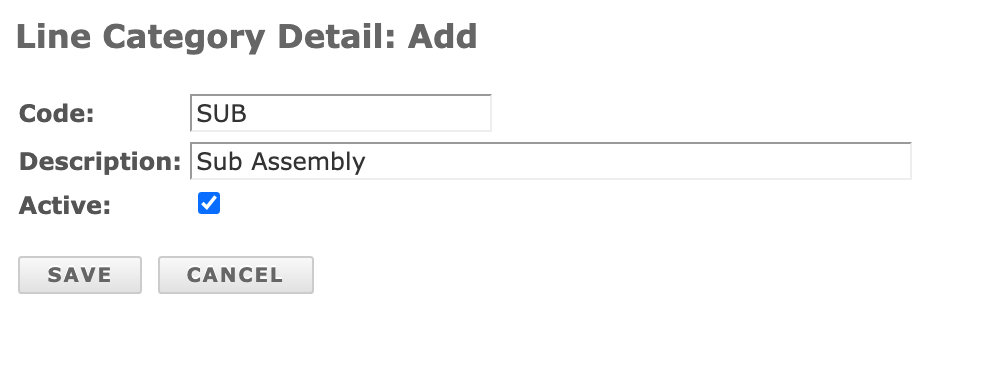
Initiate Creation: Click Add New in the top menu bar.
Enter Details:
Code: Give the category a code.
Description: Give the category a description.
Save & Finalize: Click Save.
Assigning a Line Category to a Line:
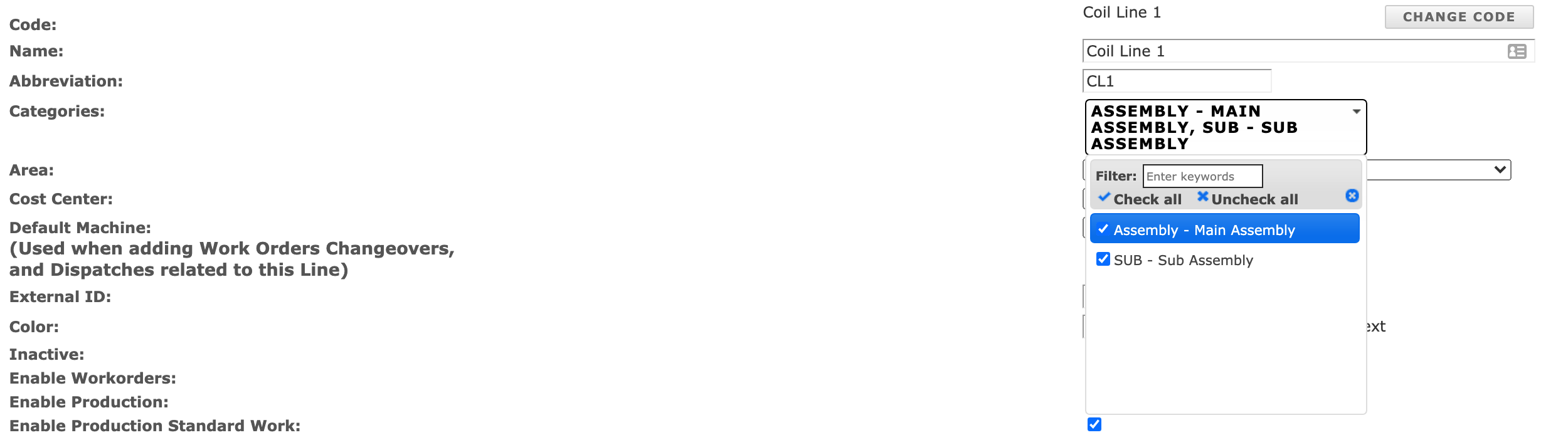
Navigate to the Menu: Go to Admin Setup > Lines (or the second level of your L2L hierarchy, if renamed).
Select the Line: Choose the Line you wish to edit.
Define Attributes:
Line Categories: From the dropdown list, choose the category of your choice.
Note: Lines may belong to multiple Line Categories.
Save & Finalize: Click Save.