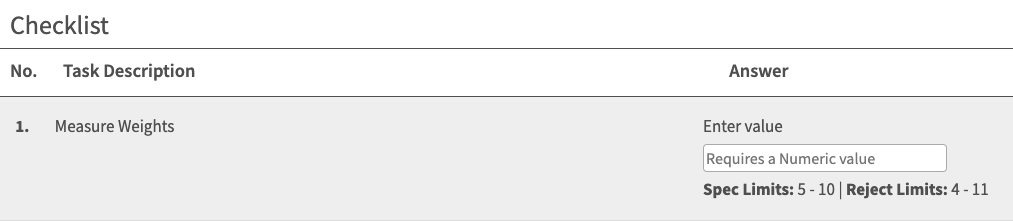
Setup: Launch a L2L Checklist from a Guide
Last updated: June 19, 2026
With the integration of L2L Checklists within SwipeGuide Guides, frontline workers can now instantly open an L2L Checklist as they are reviewing a Guide. This update lets users stay in the flow of work and complete their tasks more efficiently, with no time lost switching between tabs or applications.
Setup
- Create or Open a Guide to Edit.
- Add a L2L Checklist Link to one of the steps - The link should have checklists/add in the URL.
- Publish your Guide.

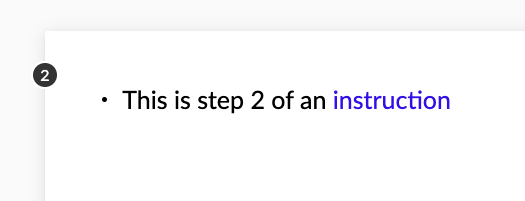
With the L2L Checklist link conveniently embedded in the Guide, blue font below, the user can click and open the L2L Checklist.
Once the L2L Checklist opens, the user can now fill out the required questions and complete the task in a fast, efficient manner.