Setup: Dispatch Creation from Swipeguide Checklist
Last updated: June 19, 2026
L2L Dispatch, available now in SwipeGuide, provides instant alerting and task management capabilities, letting frontline workers address issues faster and more effectively from their checklist.
Setup
Within your Swipeguide Admin Console:
- Create a Swipeguide Checklist.
- Publish the Checklist.
How to
Users that fill out the Checklist will now see a 'Create Dispatch' button in the upper right of their task.

A pop up box will open to fill out the details.
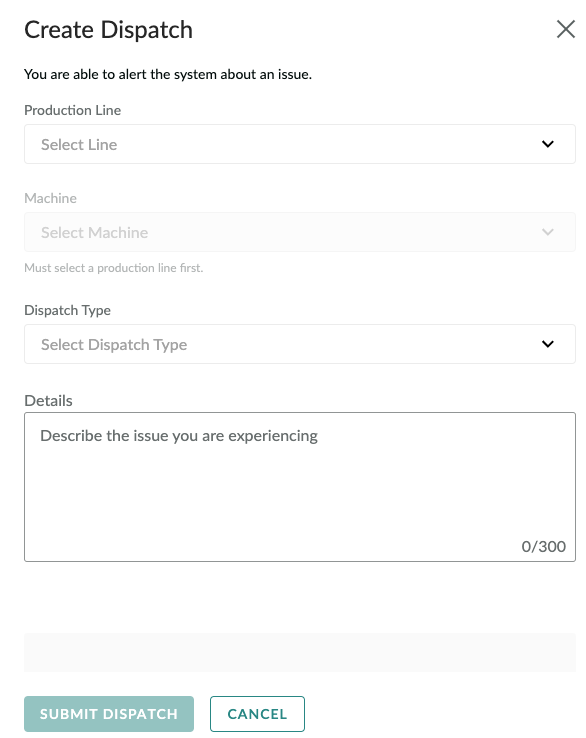
You'll now see 'Dispatch Sent' above your task.

Within Dispatch:
