📕Production: Product Categories
Last updated: June 19, 2026
Product Categories are used to group products together that use the same or similar inspection limits. For more on Inspection Limits, please see 📕Setup - Product Inspection Limits
Go to the Production Menu > Product Categories.
Click 'Add New' located in the upper right toolbar.
Enter a Code. This code cannot be edited once saved.
Enter a Description.
Make sure 'Active' is checked.
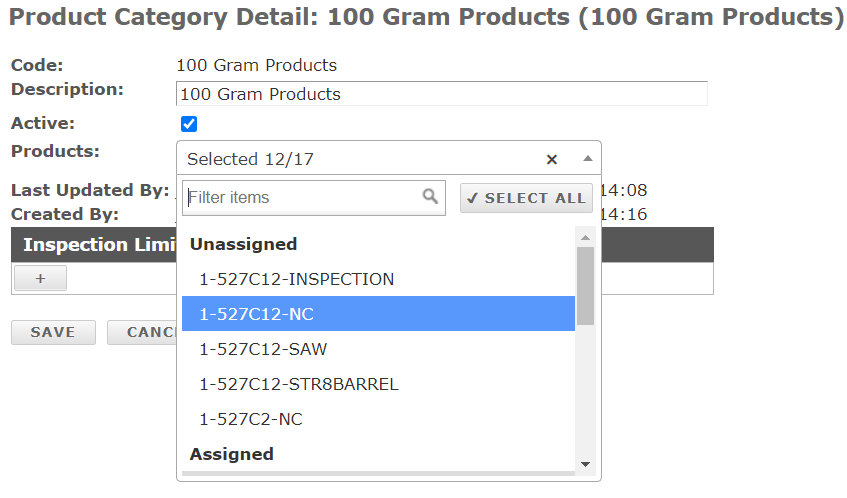
Associate applicable Products from the Products Dropdown. (See Assigned vs Unassigned Products)
Now enter in the Inspection Control and Reject Limits for the group of Products. You can enter as many as you need. Examples include weight, torque, temperature, etc.
Define how many retries are allowed.
Click 'Save'.