📕Production: Product Categories
Last updated: June 19, 2026
Product Categories are used to group products together that use the same or similar inspection limits. For more on Inspection Limits, please see 📕Setup - Product Inspection Limits
- Go to the Production Menu > Product Categories.
- Click 'Add New' located in the upper right toolbar.
- Enter a Code. This code cannot be edited once saved.
- Enter a Description.
- Make sure 'Active' is checked.
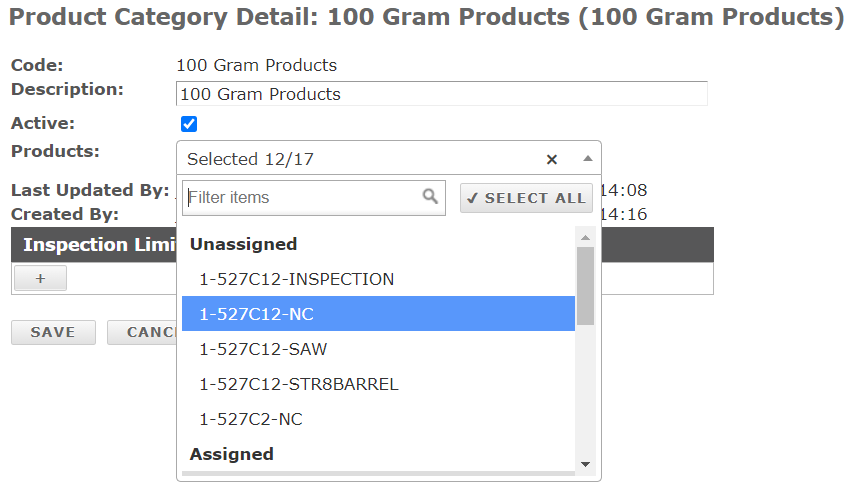
- Associate applicable Products from the Products Dropdown. (See Assigned vs Unassigned Products)
- Now enter in the Inspection Control and Reject Limits for the group of Products. You can enter as many as you need. Examples include weight, torque, temperature, etc.
- Define how many retries are allowed.
- Click 'Save'.