How to update Language Translations
Last updated: July 14, 2026
L2L currently supports the following languages:
English
Bosnian
Chinese Simplified
Chinese Traditional
Estonian
French
French, Canada
German
Haitian Creole
Hindi
Hungarian
Indonesian
Italian
Japanese
Kannada
Korean
Lao
Lithuanian
Malay
Polish
Portuguese
Portuguese, Brazilian
Romanian
Russian
Slovak
Spanish
Spanish (Latin America and the Caribbean)
Swedish
Tagalog
Thai
Turkish
Ukrainian
Vietnamese
Changing Your Interface Language
Navigate to the User Menu in the upper right corner
Click on 'My Profile'
Under 'Language', select your desired language (e.g., 'Español')
Save the changes by clicking 'Update'
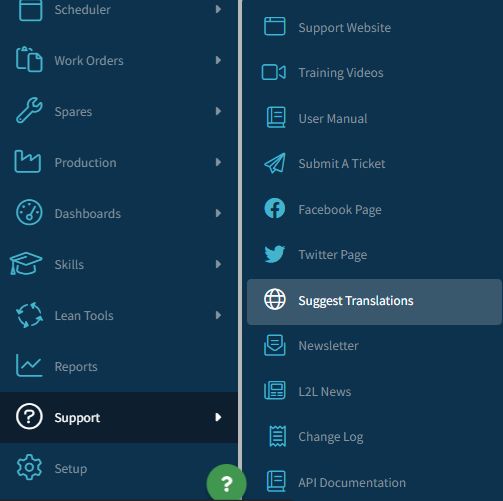
Users can submit improvements or corrections directly into the L2L translation system CrowdIn. Navigate to Support > Suggest Translations or click the link in the User Settings screen under Preferred Language.
User Settings:
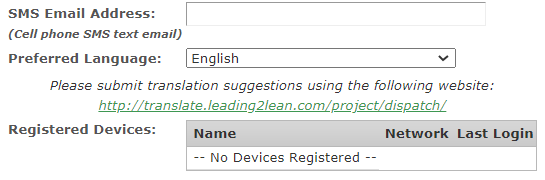
Create an account for CrowdIn, which is required to submit suggestions, and search for 'Dispatch' in the Projects search bar. Then select the language for which suggestions are being submitted:
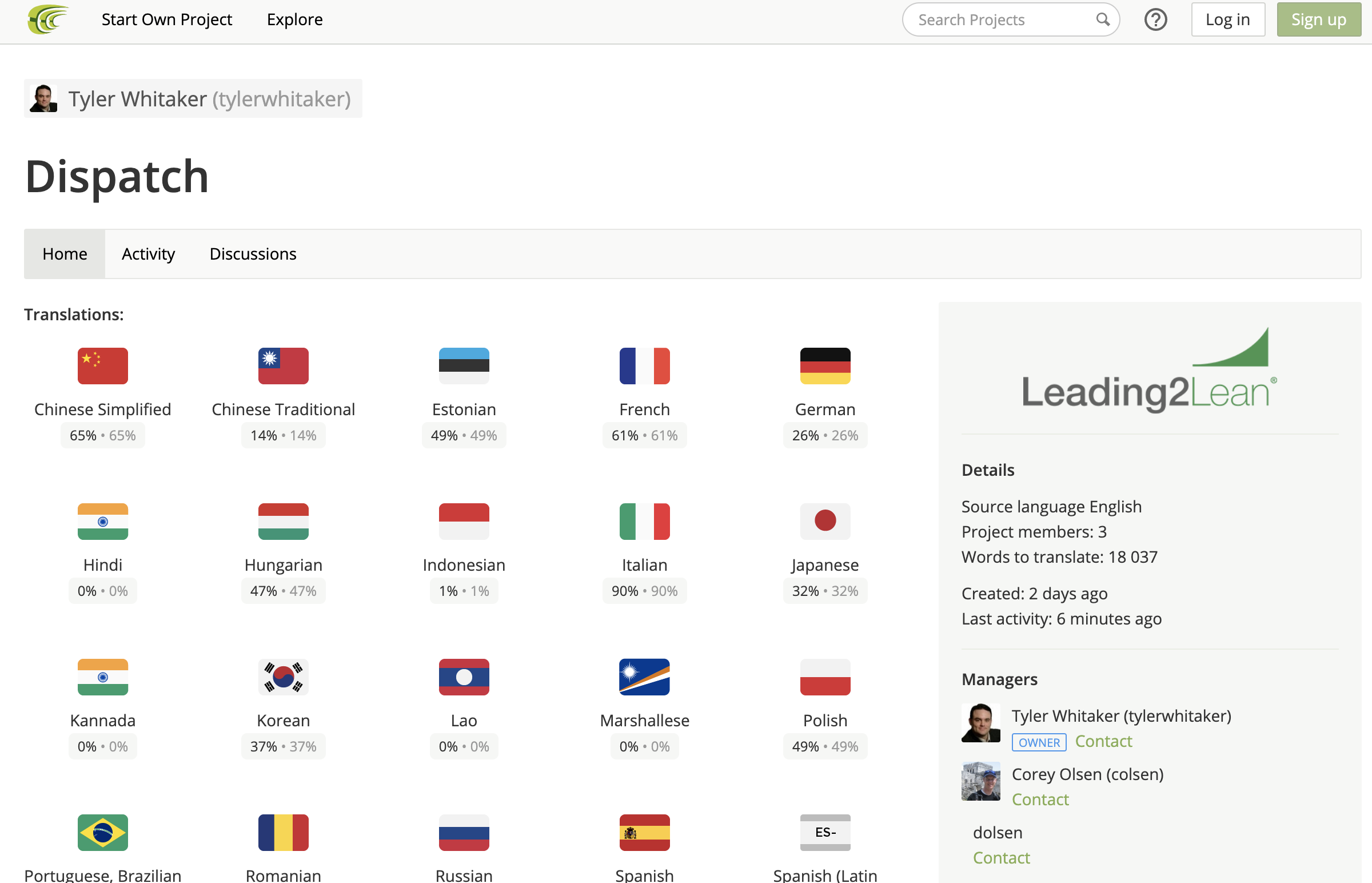
Select the file or on 'Translate All' to begin:

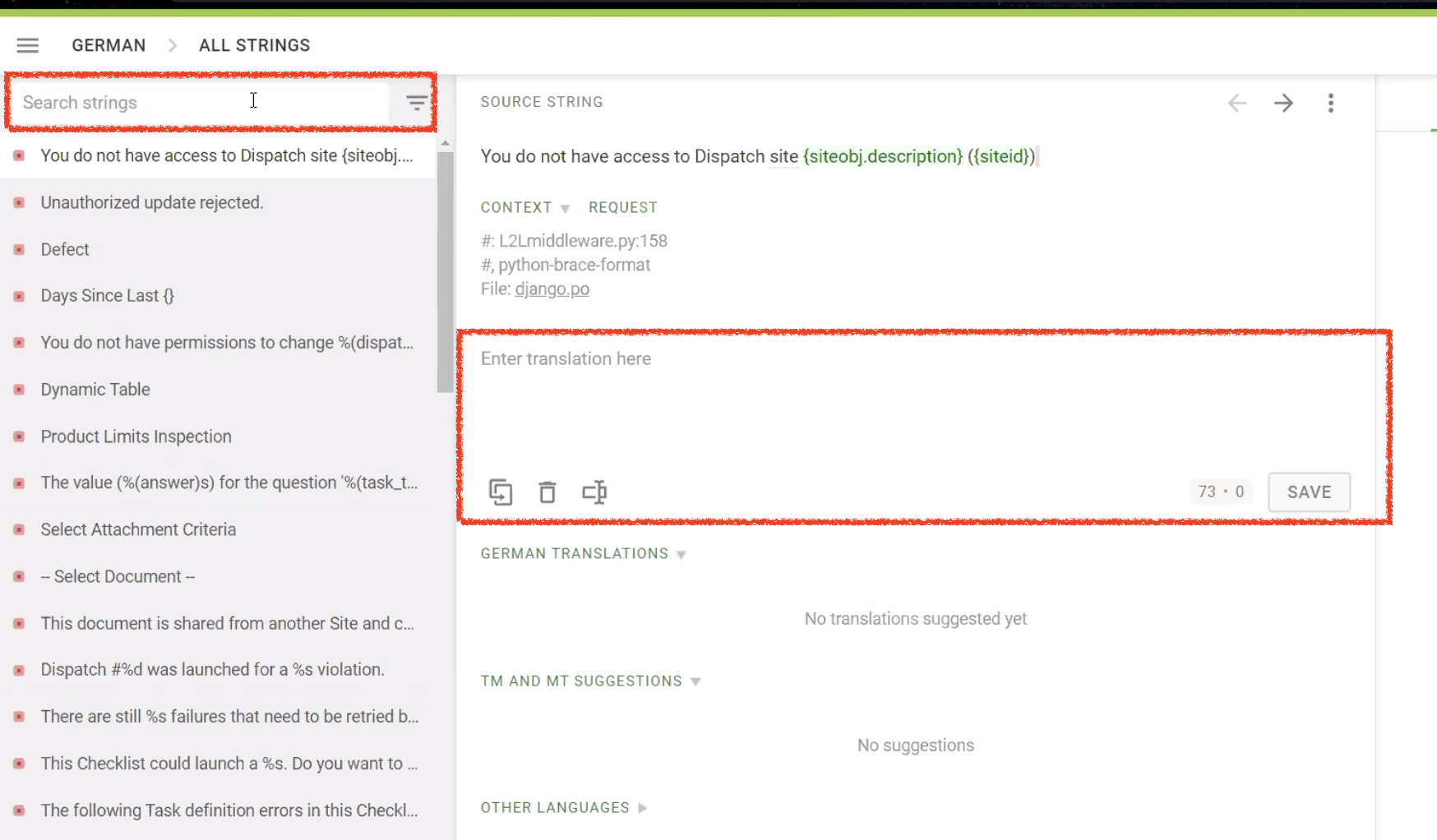
In the search bar at the top, type in the word you want to translate and press save.
As a general rule, translation updates are released twice a month. Thank you for your assistance in providing numerous translations for use across the globe! And thank you for your help making Leading2Lean the best it can be!