How To Enter a New Dispatch
Last updated: September 10, 2026
Creating a Dispatch is used to report and identify any given event that needs to be addressed and documented.
How to enter a new dispatch:
On the left-hand menu bar, click on New Dispatch.

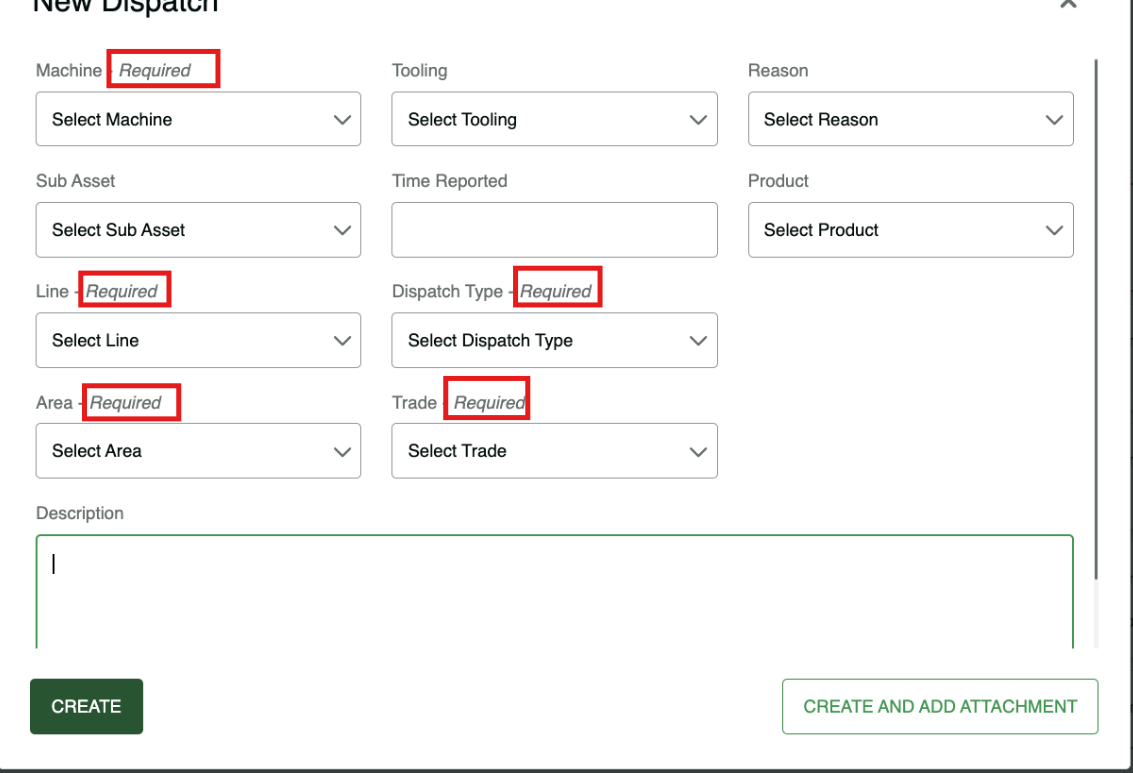
Select the Required Fields
Select 'Area'*
Select 'Line'*
Select 'Machine'* (if machine is selected first, then Area and Line will automatically fill in)
Dispatch Type*
Trade*
Select Sub Asset (if applicable)
Non-required (fields if applicable)
Add a description if needed and hit Create
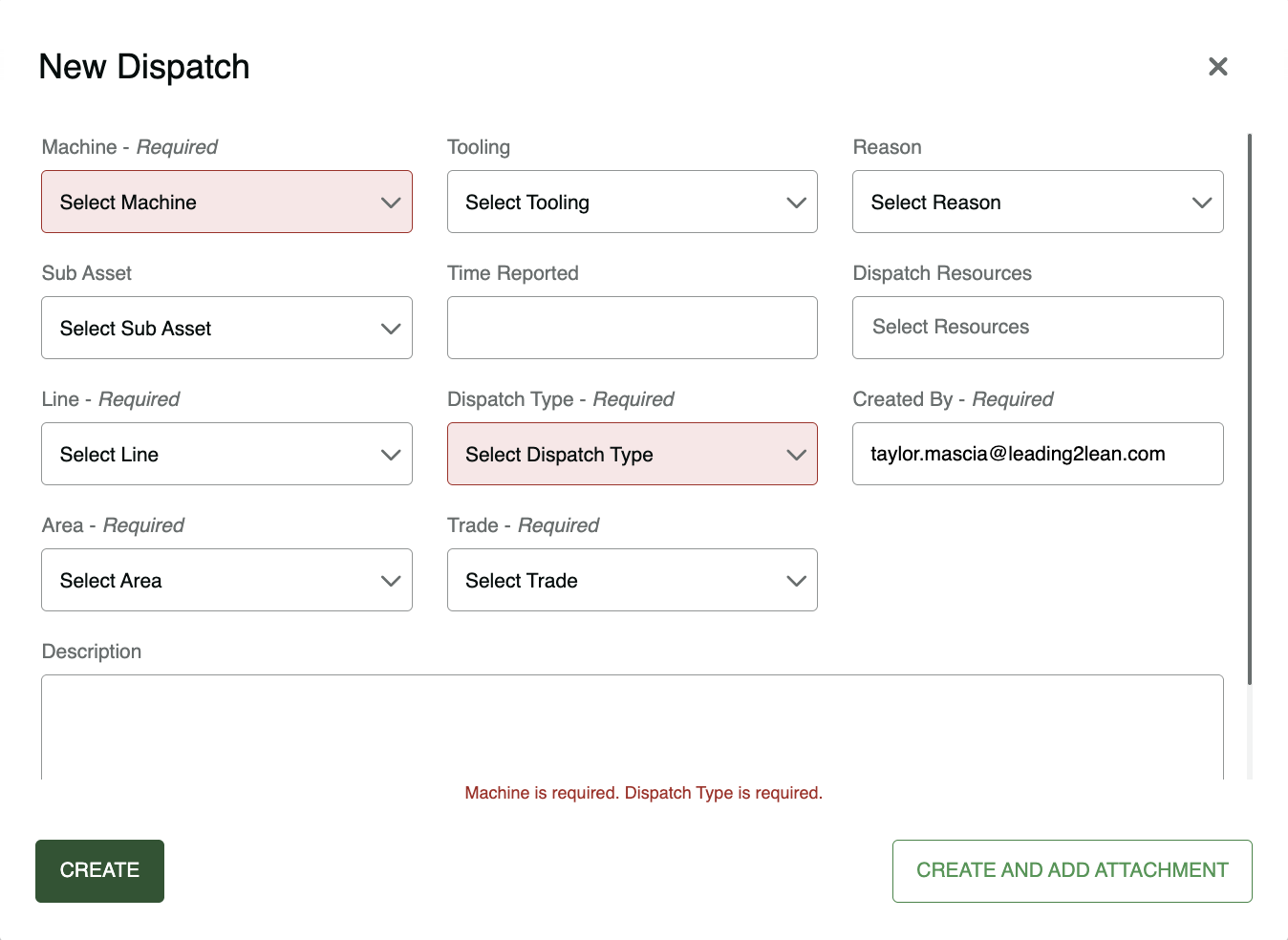
Required fields that are left incomplete when attempting to create a dispatch will now be highlighted in red:
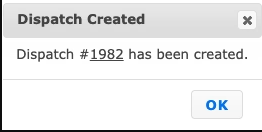
Congrats! You completed your first dispatch!
For a walk-through on how to enter a new dispatch, check out our guided instructions!