How to Contact Support
Last updated: July 20, 2026
Customer Support is here to ensure you get the most out of L2L with minimal friction. Whether you're running into a technical issue or simply have a quick question about a feature, our support team acts as your dedicated resource to keep your workflows running smoothly. By offering direct in-app chat, an accessible ticketing system, and a comprehensive knowledge base, support gives you fast, reliable answers and personalized assistance so you can focus on your work without getting stuck.
How to reach out
In App Chat & Ticketing: You can now start a conversation or submit a formal ticket directly within L2L.
Find the chat widget
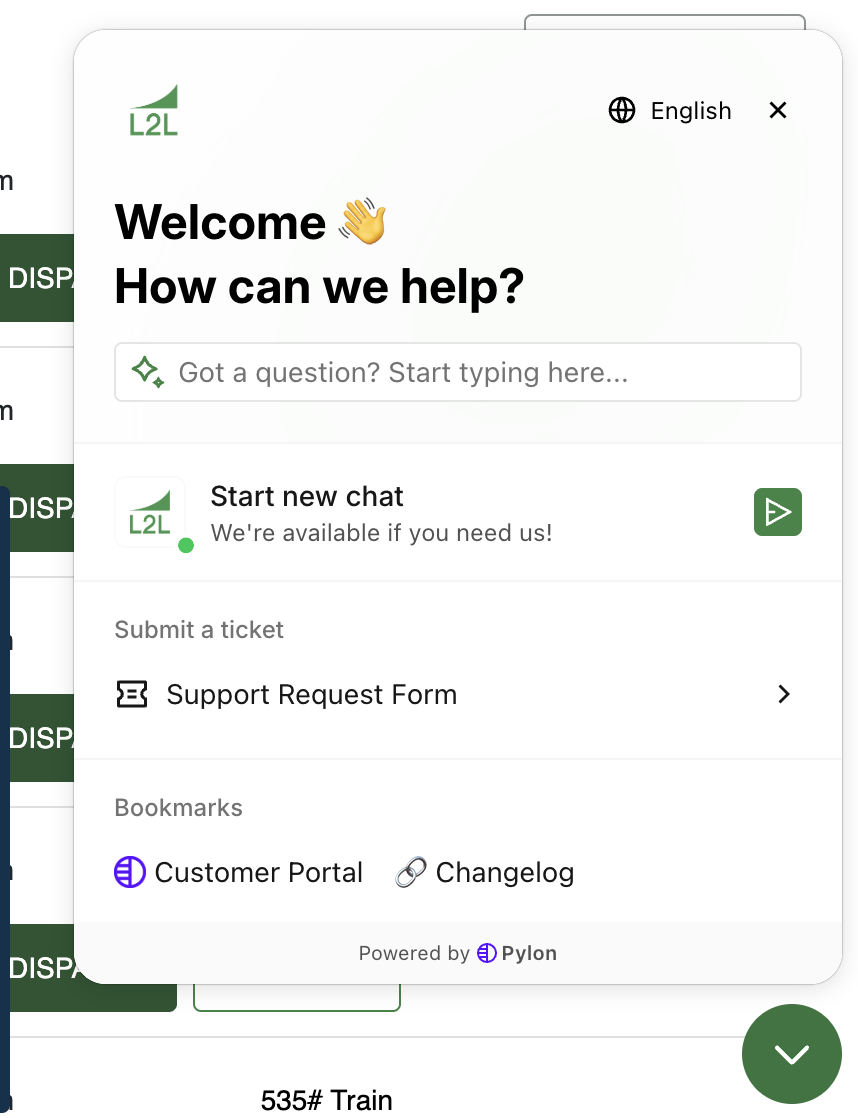
Microsoft Teams & Slack integration: Reach our team and manage requests without leaving your preferred workspace. Contact support to get this set up.
Customer Portal: Track open tickets, review past resolutions, and manage requests across your organization at https://portal.usepylon.com/l2l/login. You can also access it from the menu at the top of the knowledge base page (if you don't see the option, refresh the page). By default, you can only view tickets that you personally opened—tickets opened by other team members will not be visible in your portal view unless you are made an Admin for your Portal. Customer Support can enable that for you.
Knowledgebase: Home of the support site articles. You'll also find convenient links to ticket forms, the portal, and our changelog. Articles can also be searched in app by using the chat widget!
Dispatch Quick Links:
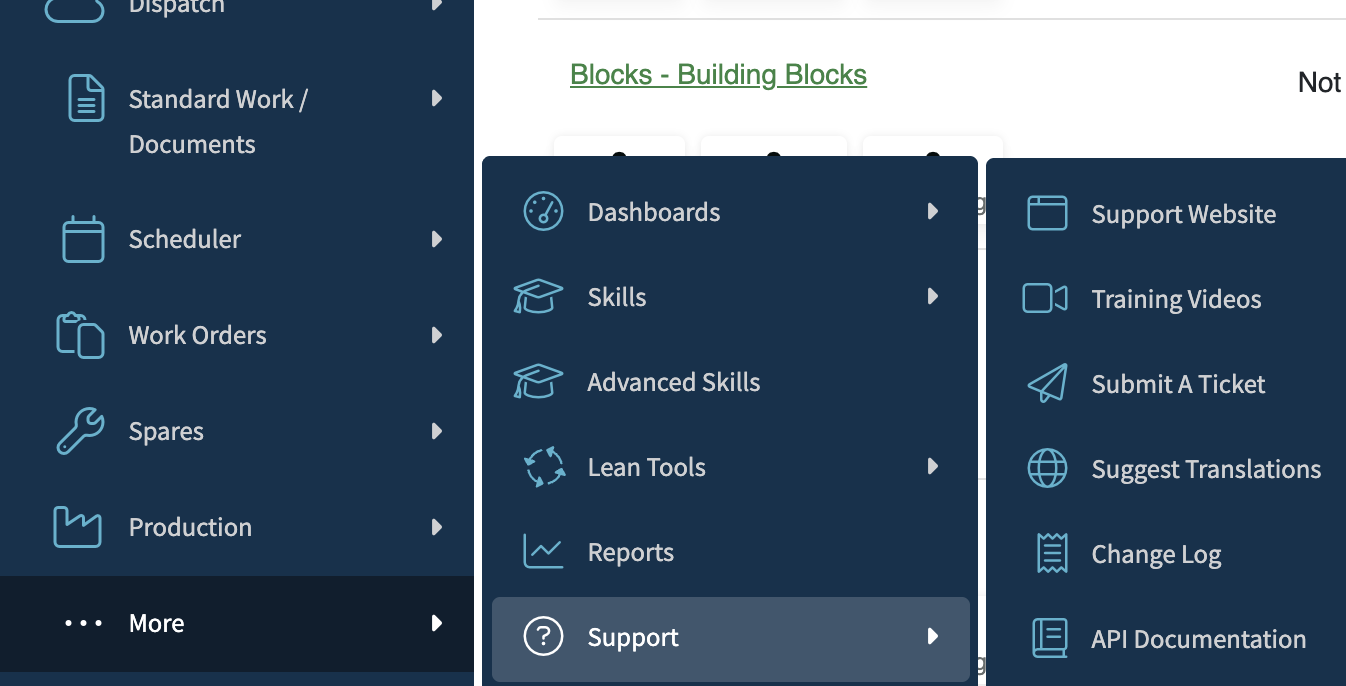
Support Menu:
Changelog
Our changelog is a curated, chronological record of notable updates, new features, bug fixes, and improvements made. You can find our Changelog on Confluence.