Thinkific - Resetting your Password
Last updated: June 19, 2026
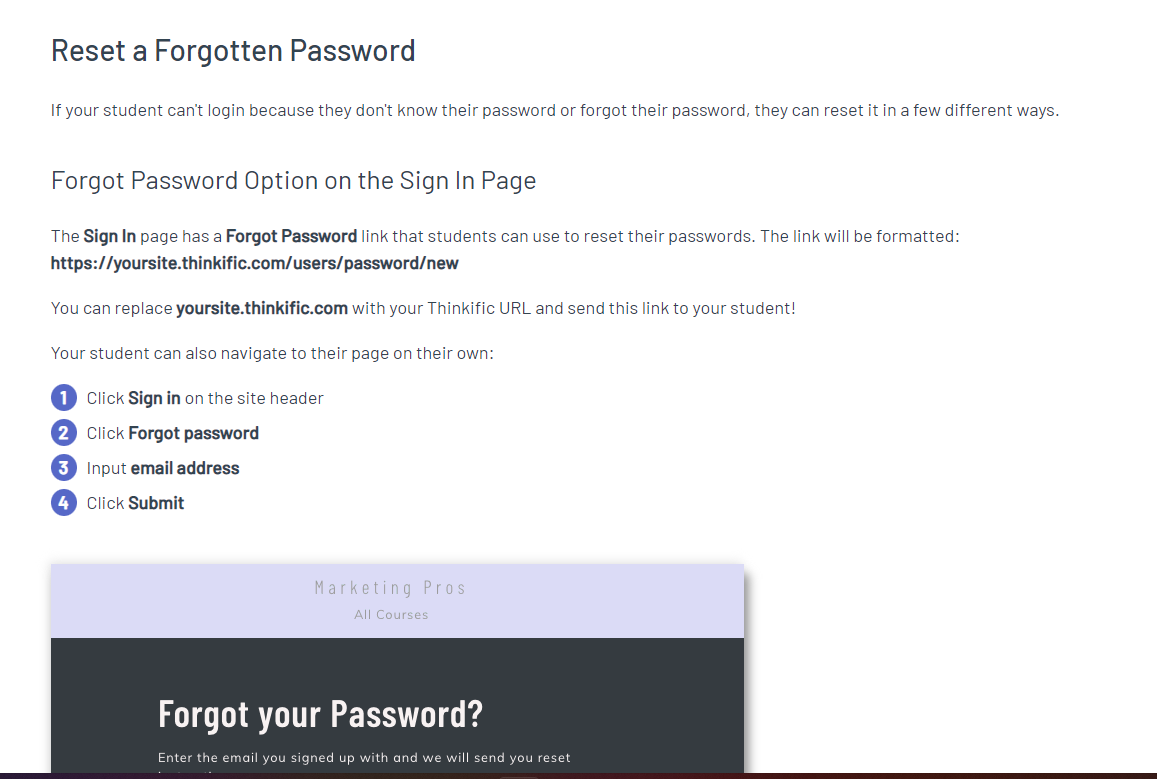
If you are currently enrolled in L2L University, aka Thinkific, chances are you may forget your password sometime. No worries as that is easily remedied.
Just go to L2L.Thinkific.com
You will be asked for the email address you originally used to register. MyName@MyCompany.com
If you encounter any issues or are not able to successfully reset your password, please submit a ticket by going to the Support tab from any page within Dispatch. You can also visit our Support website, which is where you are right now, and click on Submit a Ticket.
As always, when contacting L2L Support, the more detailed information you can provide, the more quickly we can get you on your way again!