3.31.26 L2L Execution AI Chat History & Expand/Collapse Fullscreen View

Enhanced L2L Execution AI Experience
We’ve updated L2L Execution AI to make managing your data-driven conversations more intuitive and flexible.
-
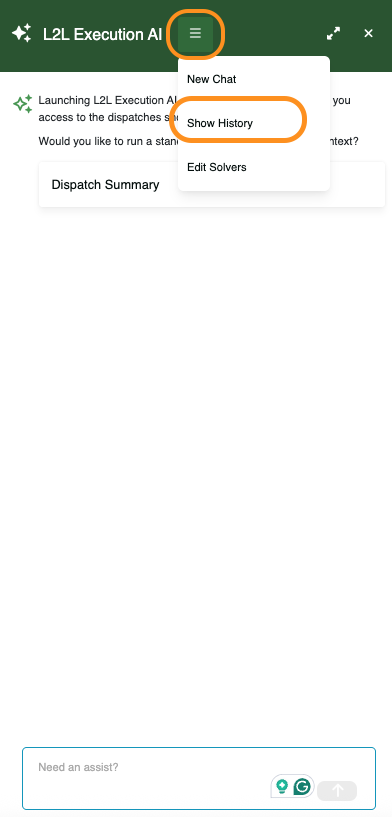
Chat History: Your AI conversations are now automatically saved. Use the Show History option in the panel menu to revisit previous analyses or pick up right where you left off. To return to the standard chat view, open the same menu and select Hide History.
-
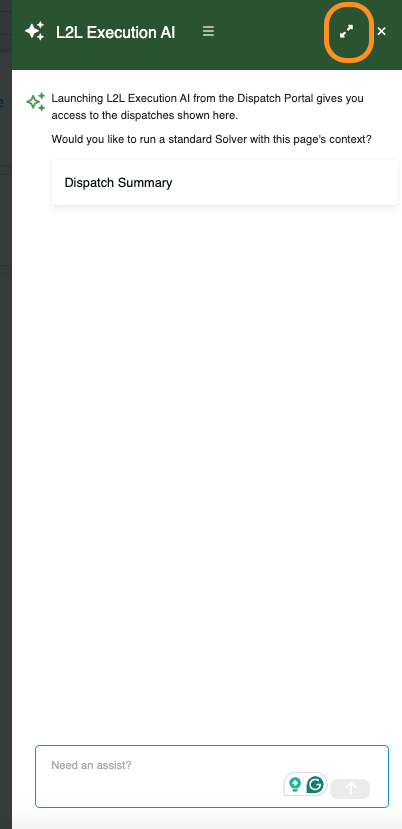
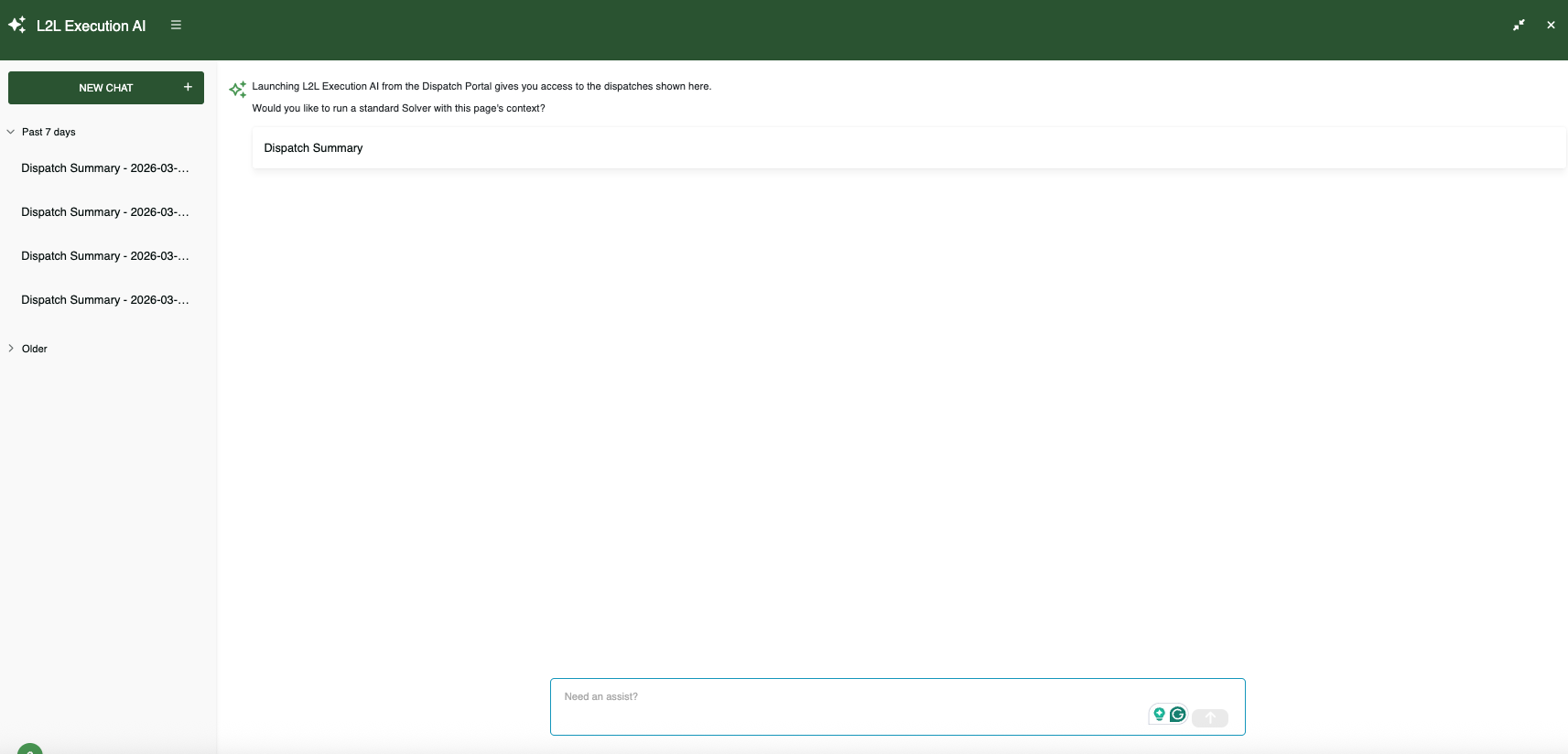
Expand/Collapse Fullscreen Mode: Need a better view of your insights? You can now expand the chat interface using the Fullscreen icon in the upper-right corner of the panel.
1
Please sign in to leave a comment.
Comments
0 comments