2.10.26 AI on the Dispatch Portal & chat functionality, Lineside Display Efficiency Fix, and new field for Spares API

Spares
Spares now has a 'Reject' status.
When 'reject' is selected in the queue, we remove the spares but do not decrement them. The Reject status can be seen on the Dispatch Portal, as well as Classic Dispatch.
API
The Add Scrap Detail API now has a new field to submit comments.
Spares Synchronized method and GET APIs now have a Reject status
AI
The AI Insights Lens is now available on the Dispatch Portal. Please note that it is restricted to the 15 dispatches listed in that view.

The AI Lenses now have chat functionality! Ask follow-ups like "How much downtime did these code reds cause?" or "What's the priority here?" without needing to create a custom Lens.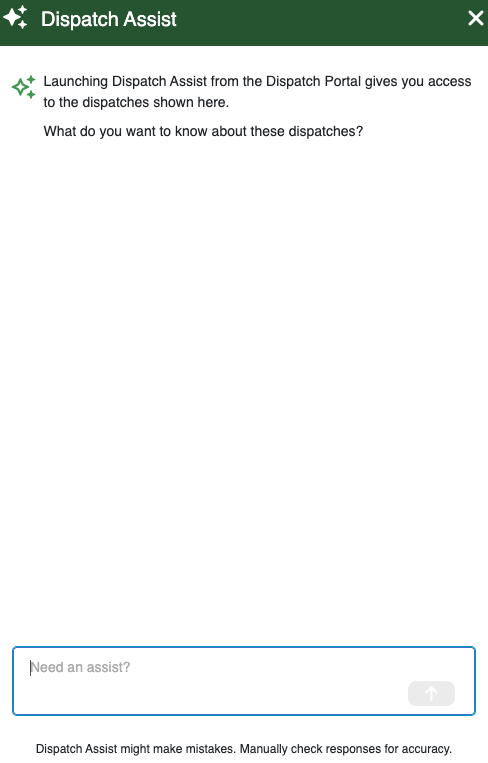
Dashboards
We've released an update to our Lineside Display dashboard for the efficiency metric: Efficiency will be calculated by adding the actuals of the current pitch and all past pitches, and dividing it by the sum of past pitch demand plus the demand of the current shift based on time elapsed. This new method is verifiable by the customer, and it is more accurate for customers who have planned non-production time.
-
Official comment
Hi Ayuko,
The demand card shows the demand for the full shift.
The efficiency calculation will only use the prorated demand, so the demand up to that time, as opposed to the full shift demand.Thank you,
-

Hi Krista.
Is it possible to display the “Total demand of completed shifts” for Demand, similar to how Target is shown?
At our plant, we display “Demand” on the Lineside Display.
After this update, the Efficiency indicator only shows the current completion rate of the shift.
Thanks.0
Please sign in to leave a comment.
Comments
2 comments