📕Reports - Menu
Last updated: June 19, 2026
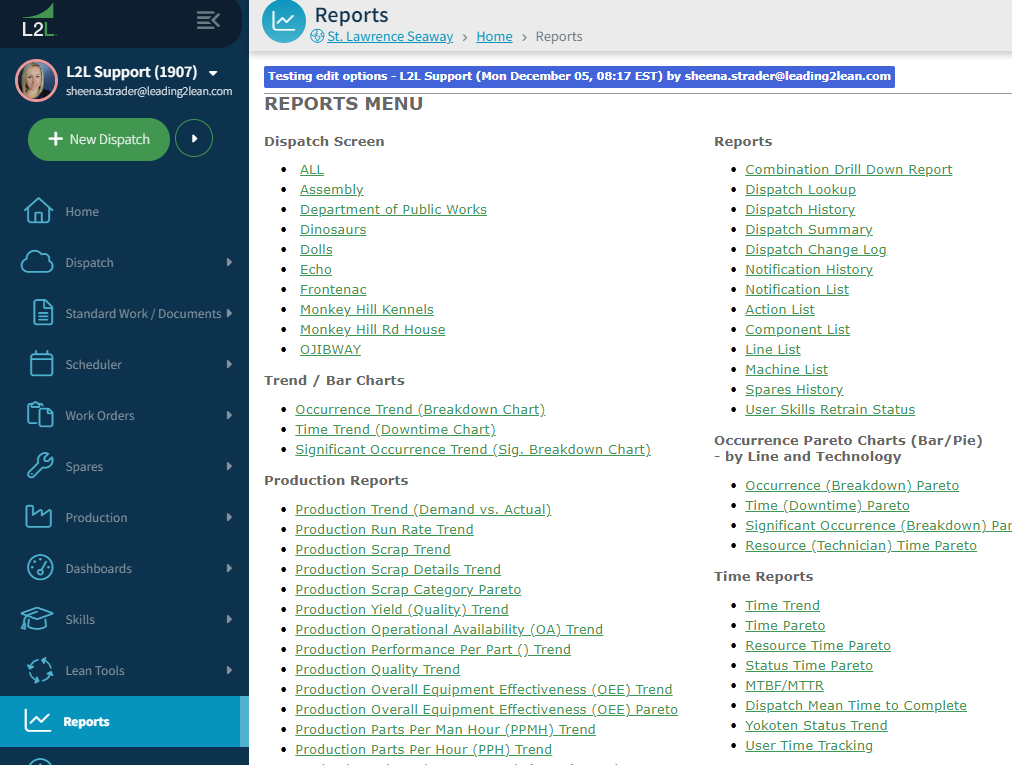
The Reports menu has three parts:
1. Access to the dispatch screens
2. Reports – Data pulled from dispatch and displayed in a report format that can be exported to manipulate within a spreadsheet.
3. Charts – Auto generated charts and graphs from the Dispatch data in both Trend and Pareto type.
- To access the Reports Menu:
Go to the Reports
Select the type of report or chart to be generated.