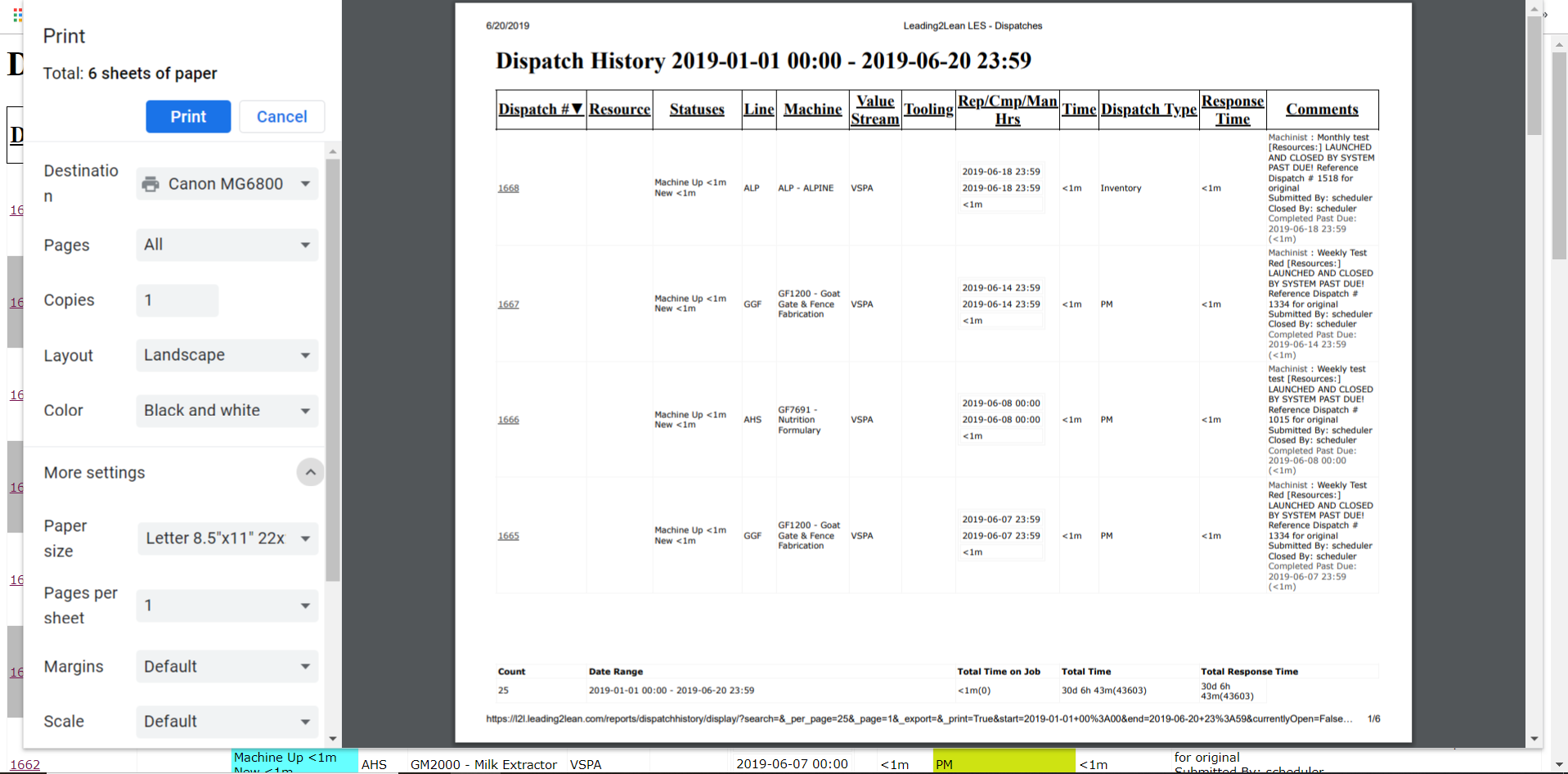
Printing Dispatch History and other reports
Last updated: June 19, 2026
We often get this question: I'm trying to print my Dispatch History Report on one page. Instead, I get one page for each Dispatch.
Quick Tip: Try modifying your print settings.
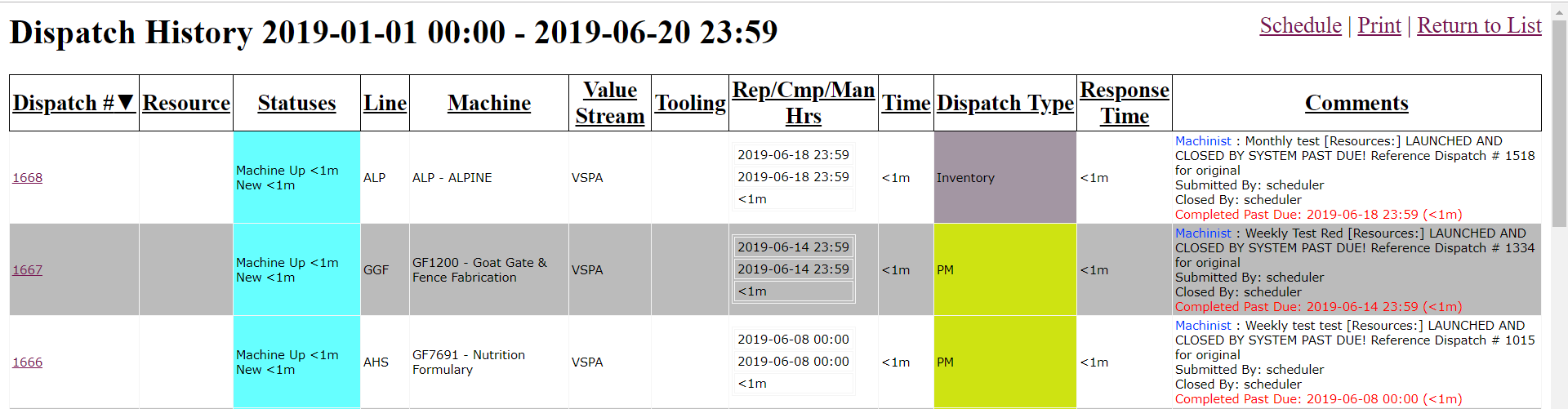
From the Dispatch History Report, click on 'Print Page'. From here, click on Print Page

You will be taken to this page view: Click on Print
After clicking Print, you will be taken to the Print Preview page. Click on 'More Settings'. The view may vary depending on your printer. This gives you more control over what and how your reports are printed.